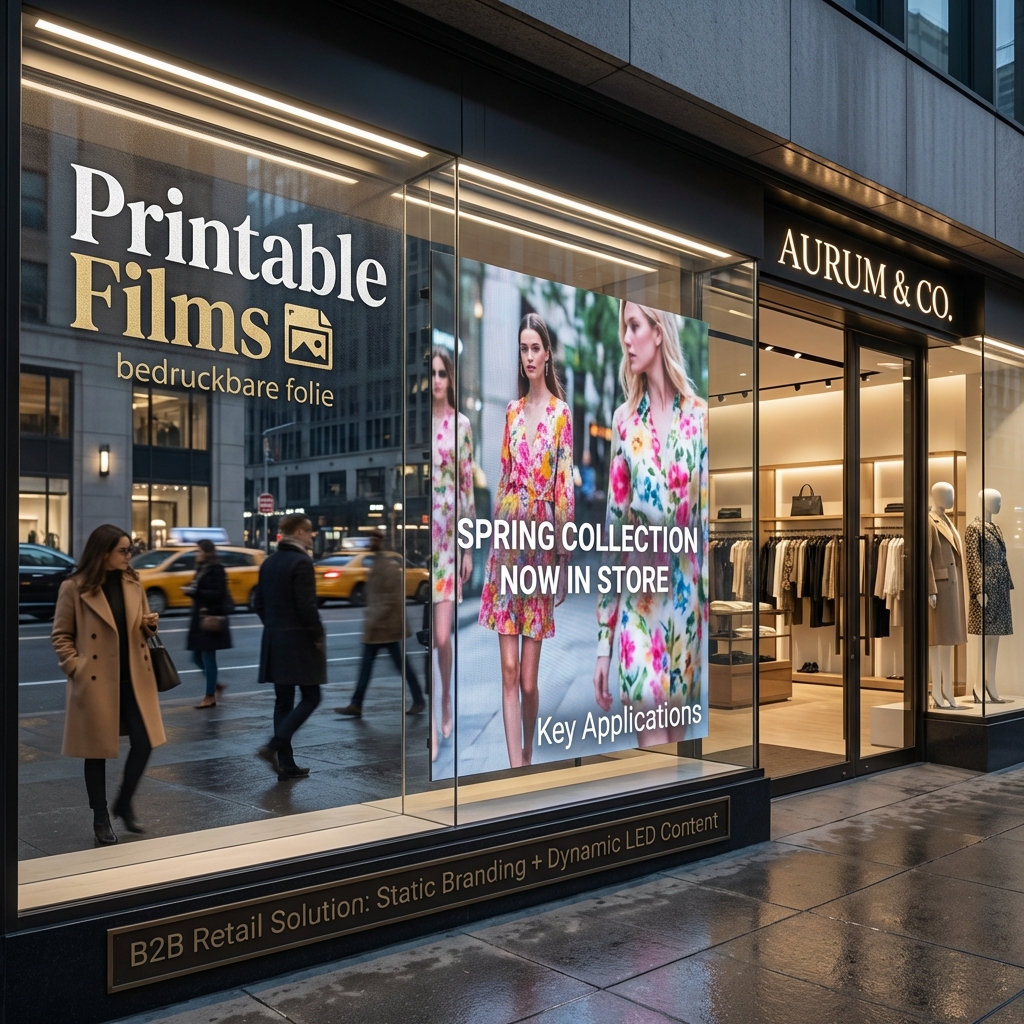
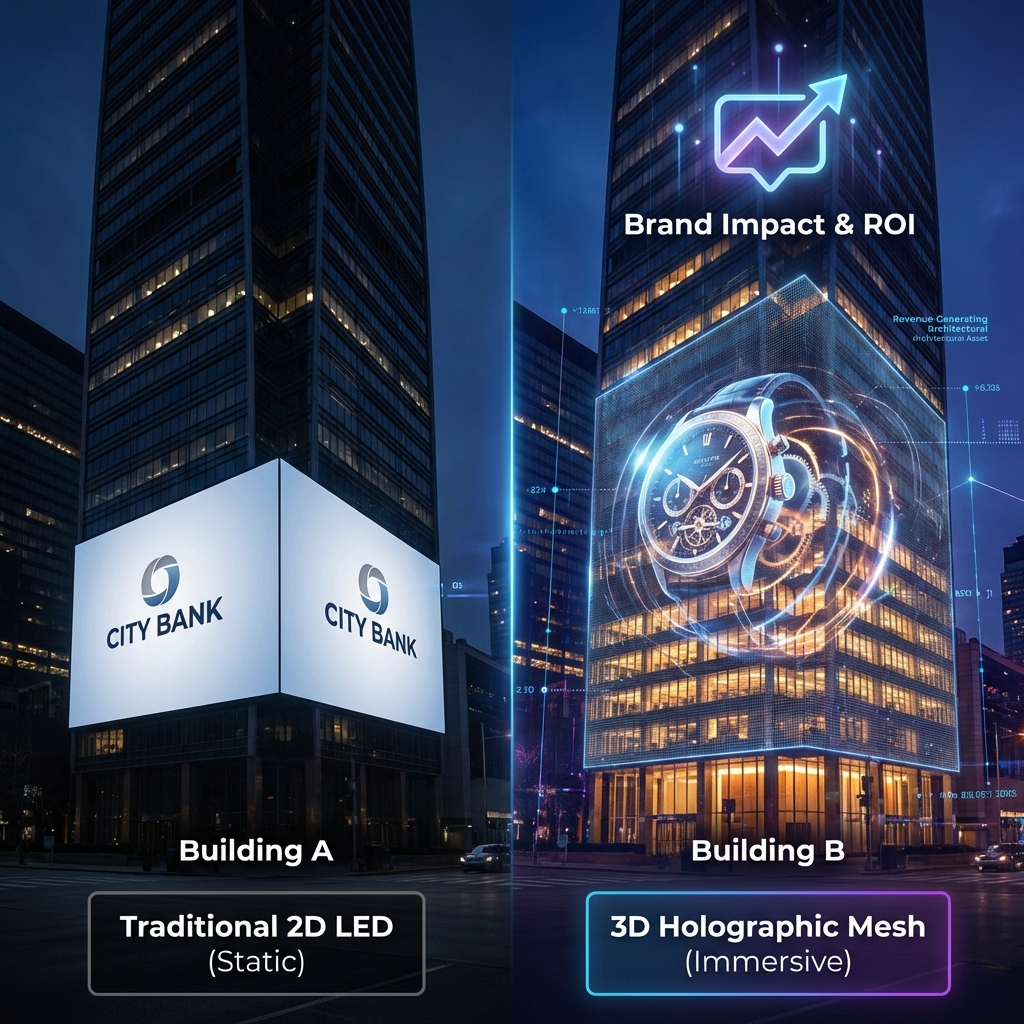
I’ve spent years helping retailers choose the perfect transparent screens, and the number one question I get is about "point spacing" or "pixel pitch." It sounds technical, but getting it right is the secret to a stunning shop window that stops people in their tracks. Choosing the wrong spacing can turn a brilliant idea into a blurry, ineffective mess. This guide will walk you through everything you need to know, making it simple to pick the perfect transparent screen for your business.
Understanding Point Spacing for Transparent Screens
Here are some quick answers to the most common questions we hear.
- What is point spacing? It's the distance in millimeters (mm) from the center of one LED pixel to the center of the next. Smaller spacing means more pixels and higher resolution.
- What spacing is best for a shop window? For most retail windows, a point spacing between 2.5mm and 10mm is ideal. A 5mm pitch often hits the sweet spot for clarity and cost.
- How does it affect transparency and brightness? Generally, a larger point spacing allows for more light to pass through, increasing transparency. A smaller spacing packs more LEDs together, which can increase potential brightness but may reduce the see-through effect.
- Is smaller always better? Not necessarily. Very fine spacing might be overkill and less transparent if your customers are viewing from a distance. The best choice depends on your specific viewing distance and desired transparency.
- What's the optimal viewing distance? A simple rule of thumb is that the point spacing in millimeters is roughly the minimum ideal viewing distance in meters. For a 5mm screen, you'd want viewers to be at least 5 meters away for a smooth image.
- Does it impact cost? Yes, significantly. Screens with smaller point spacing have more LEDs, making them more expensive.
What Is Point Spacing in Transparent LED Displays?
Let's break down the jargon. Understanding point spacing is the first step toward making an informed decision for your retail space. It's the most critical specification that determines how your content will look to passersby, and it's simpler than it sounds. Once you grasp this concept, you'll be able to evaluate any transparent LED screen like a pro.
Defining Point Spacing and Why It's a Crucial Metric
Point spacing, also known as pixel pitch, is the distance from the center of one LED cluster (a pixel) to the center of the adjacent one, measured in millimeters. Think of it as the density of the tiny lights that create the image on your screen. A smaller number, like 2.5mm, means the LEDs are packed tightly together. A larger number, like 10mm, means they are spread further apart. This single metric is crucial because it directly defines your screen's resolution and the ideal distance from which people should view it for a clear, crisp image.

The Difference Between Pixel Pitch and Point Spacing in Transparent Screens
You’ll hear the terms "pixel pitch" and "point spacing" used interchangeably, and for the most part, they mean the same thing. Both refer to the density of pixels on an LED display. In the context of transparent screens, point spacing is a more commonly used term that emphasizes the space between the pixels, which contributes to the screen's transparency. So, while they technically describe the same measurement, "point spacing" helps to frame the discussion around the unique see-through quality of these innovative displays.
How Point Spacing Directly Impacts Visual Resolution
Resolution is simply the total number of pixels on a screen. With a smaller point spacing, you can fit more pixels into the same physical area. This higher pixel density results in a higher resolution, creating sharper, more detailed images. It's like the difference between an old standard-definition TV and a new 4K one. For shop windows displaying intricate product visuals or fine text, a smaller point spacing is necessary to ensure the content is smooth and legible, especially for viewers up close. Conversely, larger spacing results in a lower resolution, which can look blocky or "pixelated" if viewed from too close.
Why Point Spacing Matters for Shop Window Digital Signage
Choosing the right point spacing isn't just a technical detail—it's a core strategic decision that directly impacts your digital signage's effectiveness. A shop window display has two jobs: attract attention with dynamic content and allow customers to see the products inside. The point spacing you select determines how well your screen performs both of these functions. It's all about finding that perfect balance to create an inviting and visually stunning storefront that drives foot traffic and sales.
The Link Between Point Spacing and Optimal Viewing Distance
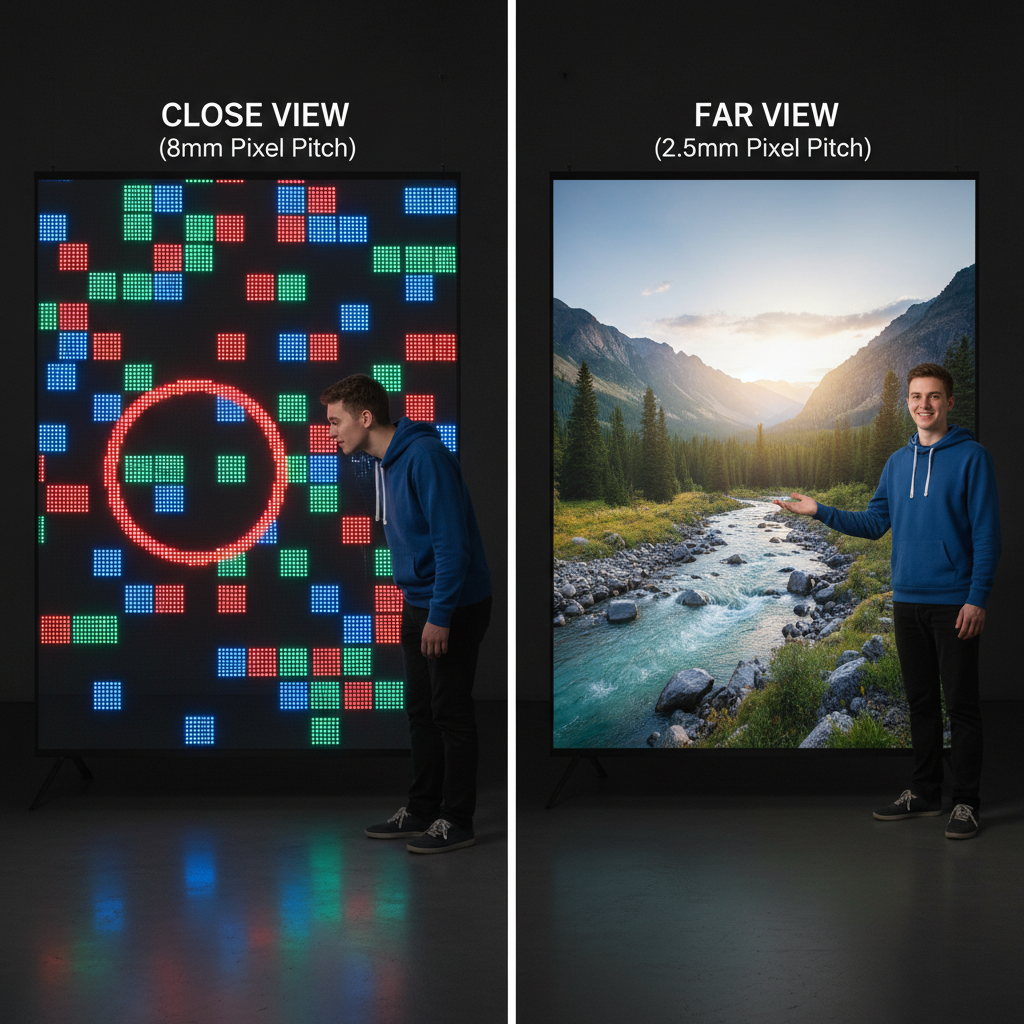
The most important factor influenced by point spacing is the optimal viewing distance. This is the minimum distance a person needs to be from the screen for the individual pixels to merge into a seamless image. A simple formula to estimate this is: Point Spacing (mm) ≈ Minimum Viewing Distance (meters). For a P5 screen (5mm spacing), viewers should be at least 5 meters away. If your sidewalk is narrow and people will be right up against the glass, a smaller point spacing (e.g., P2.5) is essential. If your store is in a large plaza, a larger spacing (e.g., P8 or P10) could work perfectly and save you money.
How Point Spacing Affects Brightness and Clarity in Shop Windows
Clarity is a direct result of resolution, which, as we've covered, is determined by point spacing. Smaller spacing equals higher resolution and sharper clarity. But what about brightness? While a screen's maximum brightness (measured in nits) is a separate specification, point spacing plays a role. Denser pixels (smaller spacing) can collectively produce a very bright image. However, the key is balancing this with transparency. Larger point spacing means more physical gaps in the screen, allowing more natural light into your store and maintaining that "open" feeling.
Maintaining Store Transparency: Finding the Right Balance
The magic of a transparent LED screen is its ability to display vibrant content without completely blocking the view. This is where point spacing becomes a balancing act.
| Point Spacing | Transparency | Best Use Case |
|---|---|---|
| Small (<3mm) | Lower | High-end boutiques, close-viewing, high detail |
| Medium (3-6mm) | Moderate | General retail, balanced clarity & transparency |
| Large (>6mm) | Higher | Large building facades, distant viewing |
A screen with 70-80% transparency is often ideal for retail, as it provides a clear view into the store while still delivering impactful visuals. Larger point spacing naturally increases this transparency.
This balance is what makes solutions from specialists like Zhenmei Wisdom so effective, as they are engineered to provide brilliant visuals while preserving the aesthetic of a physical store.
Technical Breakdown: Point Spacing and Screen Performance
Beyond just looks, point spacing has a significant impact on the technical performance and operational costs of your transparent screen. Understanding these factors helps you make a choice that is not only visually appealing but also sustainable and efficient for your business in the long run. From power bills to the screen's physical build, the spacing of those tiny LEDs makes a big difference.
The Impact of Point Spacing on Power Consumption (2024 Data)
It's a simple equation: more LEDs mean more power. A screen with a small point spacing has a much higher density of pixels, and each of those pixels draws electricity. Therefore, a fine-pitch screen will consume more power than a screen of the same size with a larger pitch.
According to 2024 data from the Energy Efficiency Council, while transparent screens are generally efficient (100-200 watts per square meter), a P2.5 screen can consume significantly more energy than a P10 screen.
This is a critical consideration for your operational budget. While the high resolution of a P2.5 screen is tempting, you must weigh its energy costs against the real-world benefit it provides for your specific viewing distance and content.
How Point Spacing Affects the Viewing Angle of a Transparent Screen
Viewing angle is the maximum angle at which a display can be viewed with acceptable visual performance. While the LED technology itself is the primary driver of viewing angles, point spacing can have an indirect effect. On screens with very large point spacing, viewers at extreme side angles might perceive a greater "picket fence" effect, where the gaps between pixels become more noticeable. However, modern transparent screens are designed with wide viewing angles (often 140° or more) to ensure your message is clear and vibrant, even to people walking by from the side.
Material and Structural Differences in Screens with Varied Point Spacing
The physical construction of the screen changes with point spacing. Screens with smaller spacing require a more intricate and dense PCB (Printed Circuit Board) to mount the high number of LEDs. This can make the screen panels slightly less transparent and potentially heavier. In contrast, screens with larger point spacing have simpler, more open support structures, maximizing transparency and often resulting in a lighter-weight module. This is especially relevant for large installations or when using innovative products like flexible transparent screens, where weight and structural flexibility are key.
Comparing Point Spacing Options for Retail Displays
Now that you understand the technicals, let's compare the most common point spacing options head-to-head. The choice between a small, medium, or large spacing depends entirely on your goals, budget, and physical location. There is no single "best" option—only the best option for your shop window.
Benefits of a Small Point Spacing (<3mm) vs. Large Point Spacing (>5mm)
Choosing between small and large point spacing is a classic trade-off between resolution and cost/transparency.
Small Point Spacing (<3mm):
- Pros: Ultra-high resolution, perfect for detailed content and close-up viewing. Delivers a premium, high-tech look.
- Cons: More expensive, lower transparency, and higher power consumption.
Large Point Spacing (>5mm):
- Pros: More budget-friendly, higher transparency (lets more light in), and lower power consumption. Excellent for large-scale displays viewed from a distance.
- Cons: Lower resolution, may appear pixelated if viewed too closely.
For retail, the trend is moving toward finer pitches. The "2025 Trends" report from Market Research Future highlights a rising demand for transparent screens under 3mm in high-end retail for their superior image quality.
Industry Standards: What 2.5mm to 10mm Spacing Means for Your Display
The Global LED Display Association notes that for retail environments, the most common and effective range for transparent screen point spacing is between 2.5mm and 10mm. Within this range, different options serve different needs:
- 2.5mm – 4mm: Ideal for luxury brands or any store where customers will be close to the window. Perfect for showing off detailed product shots or crisp text.
- 5mm – 7mm: The versatile "all-rounder." The LED Display Manufacturers Association called a 5mm spacing "ideal for achieving a balance between clarity and brightness" in 2024. It offers good resolution from standard sidewalk distances without sacrificing too much transparency.
- 8mm – 10mm: Best for large storefronts, showrooms, or building facades where the audience is across a street or plaza. It maximizes transparency and cost-effectiveness for large surface areas.
Is Smaller Point Spacing Always Better for Shop Windows? A Detailed Analysis
Absolutely not. The "smaller is better" mindset is one of the biggest and most costly mistakes a retailer can make. If your primary audience is 10 meters away across the street, investing in an expensive 2.5mm screen is a waste of money. At that distance, the human eye cannot distinguish the extra detail, and a 5mm or even 8mm screen would look just as good. Furthermore, the lower transparency of the 2.5mm screen would needlessly block natural light and the view into your store.
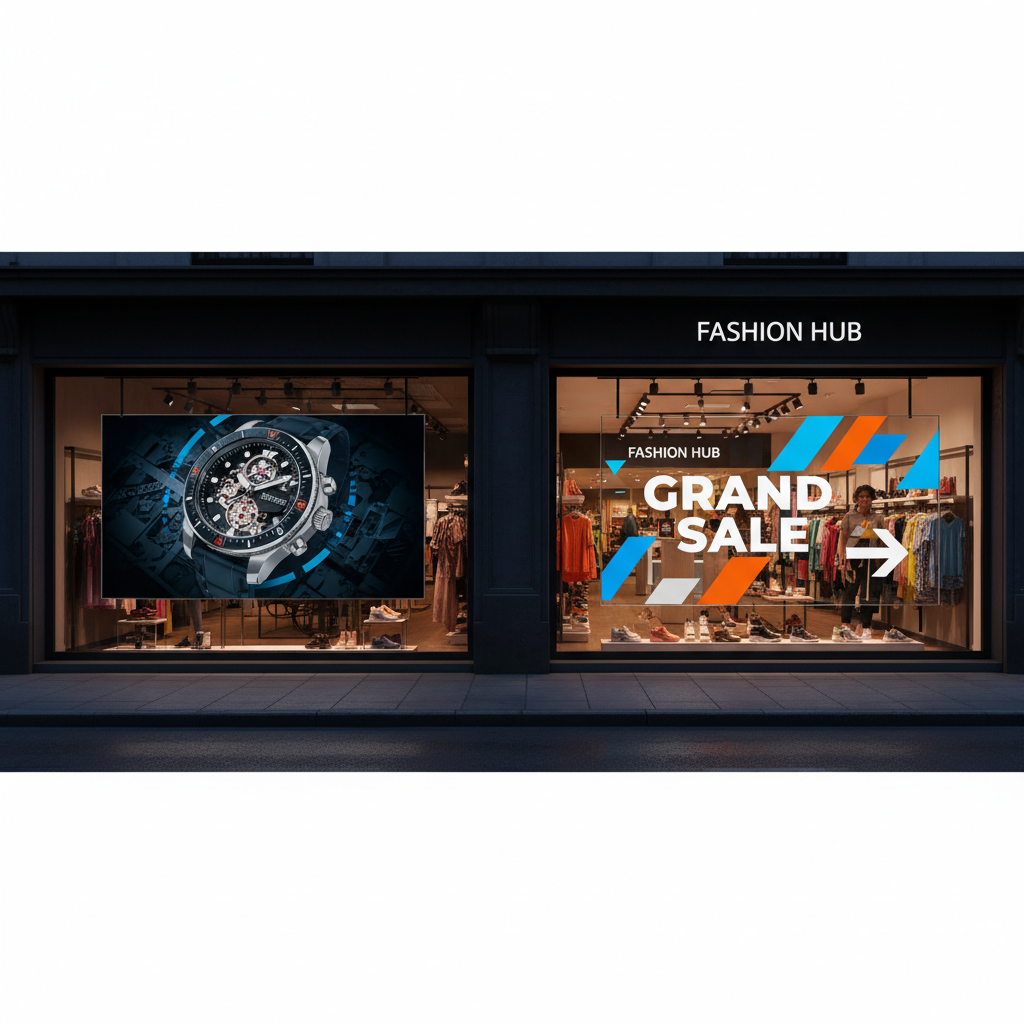
Tip: Before you decide, stand where your customers will be. Measure the distance from the street, the sidewalk, and the entrance to your window. This real-world data is more valuable than any spec sheet.
Case Studies: Successful Shop Window Implementations of Transparent Screens
Theory is great, but seeing these screens in action is what truly showcases their potential. Different types of businesses leverage transparent LED technology in unique ways, all by carefully selecting the right point spacing for their specific environment and goals.
High-End Retail: Achieving Sharp Imagery with Fine Pixel Pitch
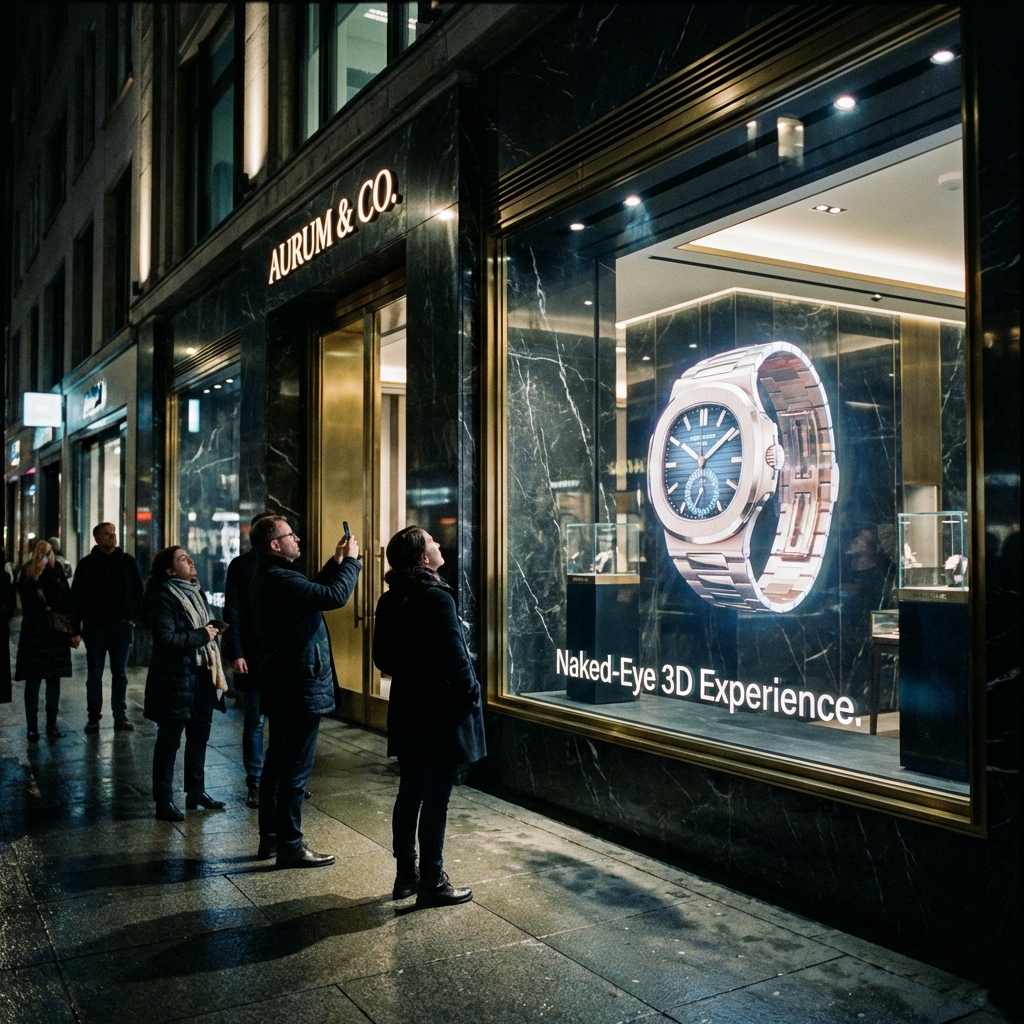
A luxury jewelry store in a major shopping mall wanted to display high-definition videos of its latest collection. Since customers would be walking just a few feet from the window, clarity was paramount. They chose a transparent screen with a 2.9mm point spacing. This allowed them to show intricate details of their diamonds and watches with stunning sharpness. The display created a sense of modern luxury and drew shoppers in for a closer look, without completely sealing off the store's interior.
Large-Scale Venues: Maximizing Visibility with Balanced Point Spacing
A flagship car dealership with a massive, two-story glass facade needed a solution to grab attention from a busy highway. The primary viewing distance was over 50 meters. They opted for a 10mm point spacing transparent LED mesh that covered the entire window. This choice was perfect because, at that distance, the resolution was more than sufficient to display bold brand messaging and dynamic car videos. Crucially, the high transparency of the P10 screen ensured the cars inside the showroom remained the heroes, visible day and night.
Creative Applications with Flexible Transparent Screens
An avant-garde fashion brand wanted to create a fluid, wave-like display in their curved storefront window. A rigid screen was out of the question. They used a flexible transparent screen with a 4.8mm point spacing. This allowed them to mold the display to the unique architecture of their store, creating a truly one-of-a-kind art installation. The 4.8mm pitch was a perfect compromise, offering great visual quality for sidewalk viewers while being flexible enough to achieve the desired creative effect. This shows how the right technology can turn a simple window into a brand statement.
Common Mistakes in Selecting Point Spacing for Transparent Screens
Investing in a transparent LED screen is a major decision, and a few common missteps can lead to disappointing results. Avoiding these pitfalls is key to ensuring your investment pays off and delivers the "wow" factor you're looking for.
Ignoring the Primary Viewing Distance of Your Audience
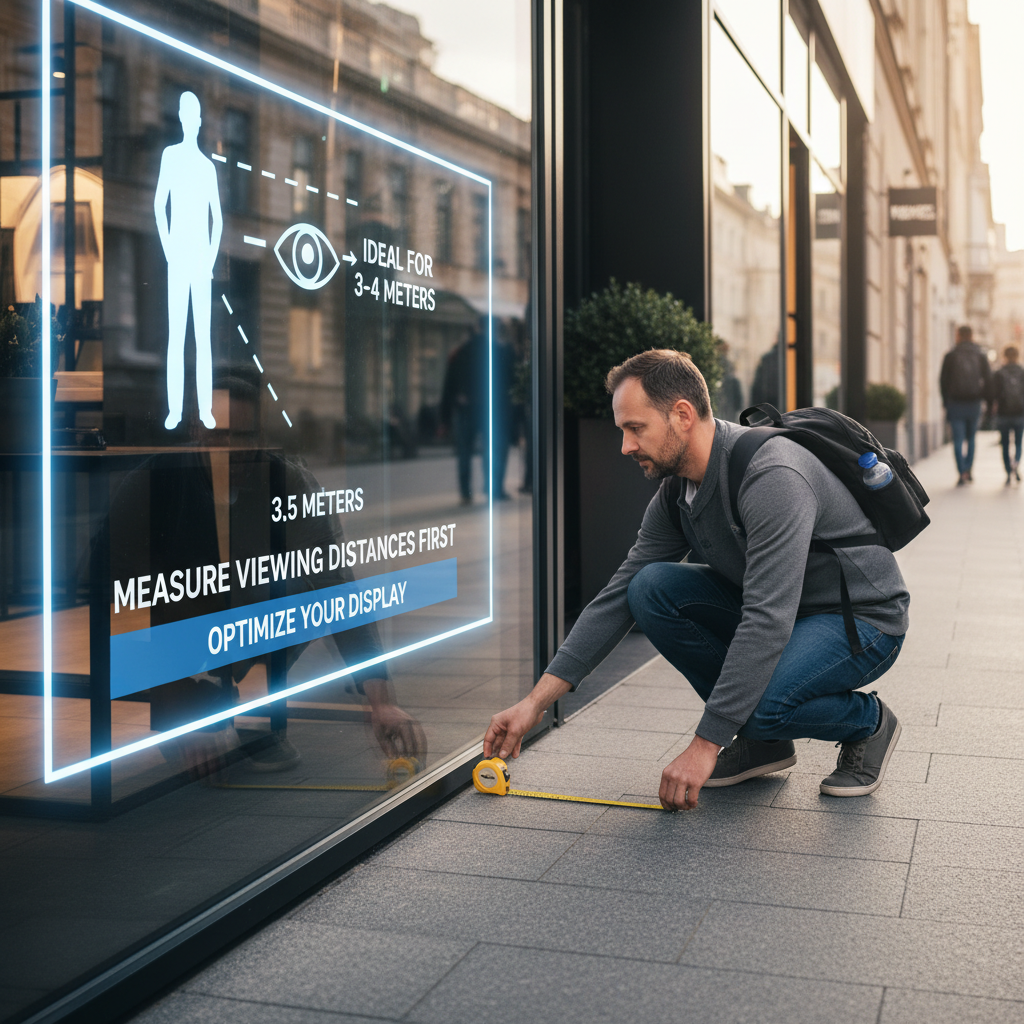
This is the most common and costly error. As we've emphasized, buying a screen with a resolution that's too high for your actual viewing distance is like buying a Ferrari to sit in traffic. You're paying for performance you can't use. Always measure your viewing distances first. This simple step will guide your entire decision-making process and ensure you don't overspend on unnecessarily fine pixel pitch.
Overlooking the Impact on Transparency and Natural Light
Remember, the goal of a transparent screen is not to be a solid video wall. It's to blend digital content with your physical store. Some retailers get so focused on resolution that they choose a very fine pitch, only to find it creates a "darker" store interior by blocking too much natural light. This can make the store feel less inviting. Always ask for the transparency percentage (%) of the screen and balance it against your resolution needs.
Disregarding the Correlation Between Point Spacing and Power Consumption
The initial purchase price is only one part of the total cost of ownership. The ongoing electricity cost is a significant factor, especially for a display that runs all day. A screen with a 3mm point spacing will have roughly four times as many LEDs as a 6mm screen of the same size, leading to a substantial difference in energy use over time. Factoring in power consumption from the start helps you create a realistic budget and choose a sustainable solution for your business.
Frequently Asked Questions
Here are answers to a few more specific questions we often receive from clients.
What is the standard point spacing for shop window displays?
There isn't a single "standard," but the most popular and versatile choice for general retail is typically in the 3.9mm to 5.2mm range. This offers a great balance of clarity for typical sidewalk viewing distances (around 4-5 meters), good transparency, and a reasonable cost.
Can point spacing impact the durability of transparent screens?
Indirectly, yes. Screens with finer point spacing have more components packed into a smaller area, including LEDs, driver ICs, and solder points. This density can generate more heat, which must be managed effectively to ensure a long lifespan. High-quality manufacturers design their fine-pitch screens with superior heat dissipation systems to ensure durability is not compromised.
How do I choose the best transparent display for my shop window based on technical specs?
Look at these four key specs together:
- Point Spacing (mm): Choose based on your primary viewing distance.
- Brightness (nits): For a sun-facing window, you need at least 5,000 nits. For a shaded window or indoor use, 1,000-2,000 nits might be enough.
- Transparency (%): Decide how important the view into your store is. Higher percentages mean more visibility.
- Refresh Rate (Hz): A higher refresh rate (e.g., 1920Hz or more) prevents flickering, especially when recording the screen on a camera.
References
- Global LED Display Association (2023)
- LED Display Manufacturers Association (2024)
- Market Research Future (2025 Trends)
- Energy Efficiency Council (2024)